
Digital Skills That Are in High Demand
Digital skills now go well beyond switching on a laptop or sending a quick message. They’re about using devices, apps, networks and online information in a way that is practical, effective, critical and safe, so basic computer use becomes something useful at work. For readers in South Africa, the question is simple: which abilities will help you do your current job better, and which ones will make your next career move more realistic?
Key takeaways
- Digital skills today mean using tools safely, precisely and at workplace speed, rather than merely knowing how to operate a device.
- Employers look for hands-on competence in everyday workplace software, particularly when it increases speed, accuracy and collaboration.
- The quickest skill to pick up is often the one that clears a bottleneck you are already facing at work.
- Regular, brief practice on actual tasks develops competence more dependably than occasional, disconnected courses.
- A short self-check can reveal whether you simply feel comfortable with a tool or can use it to a genuinely job-ready standard.
What digital skills actually mean
Digital skills are the everyday work habits that let you use technology with confidence, rather than simply knowing what the tools are. That includes handling email, finding information you can trust, joining online meetings properly, protecting data and choosing the right tool for the task in front of you. Game Strategies describes them as the abilities, knowledge and attitudes needed to work effectively, critically and safely with digital systems.
There’s a clear gap between basic use and job-ready use. Basic use means you can open an app, write a reply or sign in; job-ready use means you can complete those actions quickly, accurately and without needing help all the time. In admin, customer support, sales and operations, that shows up as fewer errors, faster replies and better follow-through on tasks such as updating a shared tracker, responding to a customer in a ticketing system, or logging a delivery issue correctly the first time.
Digital literacy is the foundation underneath all of this. If you can judge whether a link looks safe, recognise file types such as.pdf or.xlsx, or spot when information needs checking against another source, you’ve got the groundwork that makes spreadsheets, reporting tools and collaboration platforms much easier to pick up later.
The Digital Skills employers ask for most
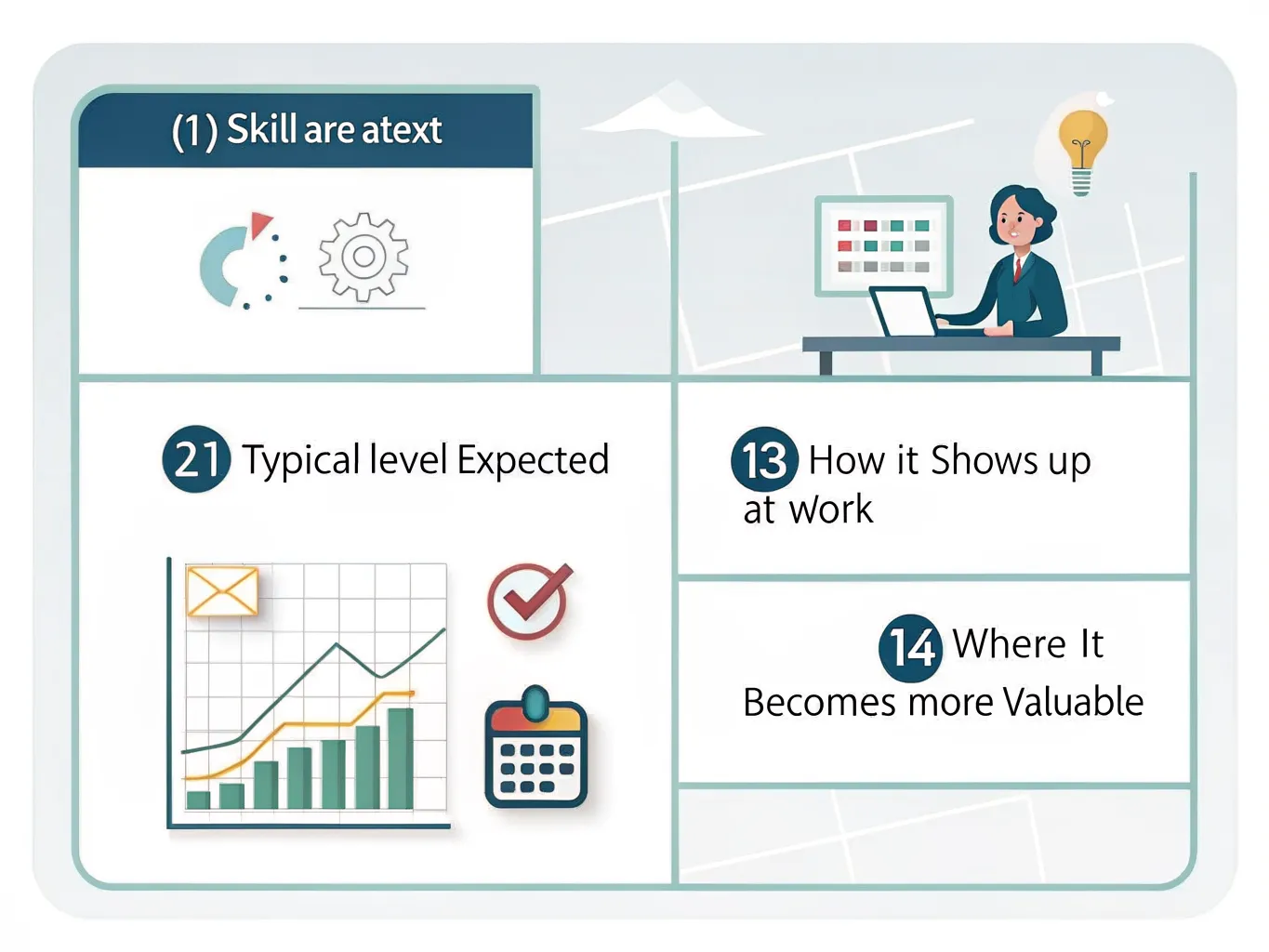
| Area of skill | Usual level expected | How it appears in the workplace | Where it gains more value |
|---|---|---|---|
| Spreadsheets and Microsoft Excel | Often seen at entry level | Maintaining contact lists, monitoring orders, recording stock, using basic formulas | Roles in analysis, finance, operations and reporting |
| Managing email and calendars | Frequently expected at entry level | Organising inboxes, scheduling meetings, chasing clients, managing diaries | Roles involving team coordination, executive assistance and client contact |
| Software for collaboration | Typical at entry level | Working with Teams or similar platforms for chat, file sharing and meetings | Project tasks, hybrid working groups and operations across multiple sites |
| Online communication tools and etiquette | Often required at entry level | Concise written updates, professional communications, video call conduct | Roles in customer service, sales and management |
| Handling data and carrying out basic analysis | Worth more beyond entry level | Tidying lists, identifying trends, building simple dashboards | Roles in reporting, business support and analysis |
| Basic cybersecurity knowledge | Required for most positions | Spotting phishing attempts, creating strong passwords, managing confidential data | Any position involving client, employee or payment information |
The pattern is fairly clear: many entry-level jobs expect you to use standard office tools without being guided through every step, while mid-career roles value people who can make sense of messy information. A sales coordinator might maintain a lead list in Excel, a marketer might track campaign results in a spreadsheet or dashboard, and an analyst might use that same data to explain why performance changed from one month to the next.
As a useful practical benchmark, Coursera says digital skills help with communication, collaboration and getting everyday work done, and points to Microsoft-led learning routes as part of structured upskilling. That matters because employers rarely want theory on its own. They want proof that you can use the tool inside the workflow they already rely on, whether that’s a shared inbox, a spreadsheet or a project board.
How to decide which skill will improve your career fastest
- Write down the tasks that waste time, lead to errors, or make you ask a colleague for help. Spending too much time repairing spreadsheets, following up emails or typing data in again is a clear sign of where the gap may be.
- Place your target role into a practical category, such as admin, operations, sales, support or analysis. After that, connect the likely skill gaps with that category instead of trying to master every digital tool at the same time.
- Pick the skill that makes your work faster, more accurate or more visibly useful. Improvements like these are simpler to demonstrate in a review, on a CV or during a job interview.
- Avoid scattered learning that appears impressive but has no obvious role in your daily work. The best skill to learn next is usually the one that fixes a problem you already face.
If you’re moving from support work into a role with more coordination, confidence with calendars and spreadsheets can matter more than knowledge of specialist software. If you’re aiming for analysis, working with data will usually pay off sooner than polishing presentation slides. The quickest route is to connect learning with something you already do each week, such as updating a rota, cleaning up a contact list or pulling figures for a weekly report.
How to build Digital Skills without wasting time
- Treat the National Careers Service as a guide for planning around work goals. Its digital skills advice is based on workplace use rather than abstract study, which is the right way to decide what to learn next.
- Begin with the Digital Skills Library, a free resource hub designed for adult learners. It is managed by World Education through its EdTech Center and CrowdED Learning initiative, and its resources are selected to align with the BRIDGES Digital Resilience Toolkit.
- Turn to structured courses on Coursera if you want a clearer guided path. A Microsoft R Programming for Everyone Professional Certificate is a strong example of organised learning that starts with the basics and progresses to applied data work, including statistical analysis and visualisation.
- Build practice into brief sessions using the tools you already rely on. The aim is to make each lesson become a habit, so each new email, spreadsheet or online meeting is a little better than the one before.
Often, the strongest learning plan is intentionally simple. Repeat the same task until it feels familiar, then make it a little harder. That might mean learning one new Excel formula, improving a single email workflow, or checking one security habit each day until it becomes automatic.
A simple self-audit of your current Digital Skills
| Skill category | I can complete this | I can complete this swiftly and precisely | What to study next |
|---|---|---|---|
| Communicating | No / Yes | No / Yes | Clearer writing for emails or meeting notes |
| Working together | No / Yes | No / Yes | File sharing, comments and version control |
| Spreadsheet skills | No / Yes | No / Yes | Formulas, filters or pivot tables |
| Using data | No / Yes | No / Yes | Sorting, basic analysis or simple charts |
| Internet security | Yes / No | Yes / No | Password routines, phishing checks and secure file handling |
This kind of audit works because it separates feeling confident from being genuinely capable. You might know your way around a tool and still not work at the speed your role needs. That gap is often where the biggest career improvement sits, especially when the blocker is something you do every day, such as formatting a report, updating records or sharing files correctly.
The best outcome is a short list of one or two priorities, not a long wish list. If spreadsheets are slowing you down and online security feels shaky, start there. If your communication is strong but collaboration tools still feel awkward, focus on that before adding more goals.
Why these skills matter now
Structured ways of measuring digital competence are already used across the wider labour market. According to the Digital Skills & Jobs Platform, the European Commission’s DESI 2022 reference found that 54% of people in Europe have the digital skills needed for the digital world they live in Digital Skills & Jobs PlatformThe figure is for Europe rather than South Africa, so it shouldn’t be read as a local measure. Still, it’s a useful warning sign: plenty of workers in advanced economies remain below the level employers are increasingly looking for.
DigComp and ESCO matter because they shape how digital skills are described, assessed and compared. DigComp, the Digital Competence Framework for Citizens, sets out what everyday digital capability looks like, while ESCO supports labour classification in the ICT sector. In practice, training providers, recruiters and policy makers are edging towards the same language for digital capability.
For readers, the takeaway is simple. Stronger digital skills can improve employability, make it easier to adapt when tools change, and reduce the small daily delays that slow good work down. Start with the basics, then build towards the skills that will help most in your current job or the role you want next.
Frequently asked questions
What are the most important Digital Skills for work?
The workplace digital skills that count most are the ones that help you get routine tasks done accurately, without needing someone to walk you through every step. For most people, that means managing email and calendars, working with spreadsheets, collaborating online, handling data and understanding basic cybersecurity. Employers value staff who can work efficiently, safely and with fewer avoidable errors.
Are Digital Skills only for tech jobs?
No. Digital capability now affects most jobs, including admin, sales, healthcare, education and customer service. The gap between basic use and work-ready use matters wherever speed, accuracy and follow-through shape the result, whether you’re replying to customer messages, updating records or sharing files through a work platform.
How can I improve my Digital Skills for free?
Use free learning hubs such as the Digital Skills Library, and practise with tools you already use at work. Short, focused practice usually works best: repeat one task until it feels familiar, then add the next one gradually. The Digital Skills Library is an open repository of free learning resources for adult learners, including material such as an Internet Security guide. Resources like this are useful because they turn learning into a regular habit, rather than leaving it as something you only understand in theory.
How do I know which Digital Skill to learn first?
Start with the skill that removes the biggest daily blockage, saves time or fixes a problem you already face at work. If spreadsheets are slowing you down, begin there. If you keep losing time repairing email workflows or re-entering data, close those gaps before moving on to more specialised tools.
Do Digital Skills belong on a CV?
Yes. List the digital tools you can use confidently and link them to real outcomes, such as producing reports, managing schedules or improving data accuracy. Employers want proof that you can use the tool inside the workflow they already follow, rather than simply recognising the name.