
How Small Businesses Can Use AI to Save Time
Used well, AI can hand a small business back hours each week. It can take care of repetitive admin, first-draft writing, simple analysis and routine customer replies. The real value isn’t only speed. It gives staff more room for sales calls, customer service, quotes and the judgement calls that still need a human. British Business Bank
Key takeaways
- AI is best suited to repeatable admin, drafts and summaries rather than final decisions.
- The quickest gains tend to come from email, meeting notes, spreadsheet clean-up and standard replies.
- AI features built into software you already use are often easier and safer than bringing in a separate standalone tool.
- Testing AI in phases over 30 days helps you see where it genuinely saves time before using it more widely.
- For anything confidential or customer-facing, careful data handling and human review still remain important.
What AI can realistically do for a small business
AI is at its most reliable with high-volume work that follows a clear pattern. Think research, drafting, summarising, sorting spreadsheets and answering common questions. Google’s small-business guidance points to these everyday jobs, rather than handing over the decisions that run the business. Google Workspace
In practice, AI usually gives you a better first draft or a quicker starting point. Automation goes a step further, pushing a repeatable task through a rules-based process. Decision systems are different again. They use data to recommend or make choices, which makes them far more sensitive in areas such as pricing, hiring and customer treatment. SBA
That distinction matters because generative AI is strongest when it creates text, structure or options, rather than taking final responsibility. IBM says more than 20% of new businesses are already using generative AI. The reason is straightforward: in the early stages, it helps stretch limited time and budget. IBM
For a small team, the quickest wins are usually in the office work that already fills the day. Client emails, meeting notes, quote follow-ups, social captions and short summaries for managers are good examples. Microsoft describes AI-powered tools as a way to streamline operations and improve employee productivity, which is often where businesses notice the benefit first. Microsoft
The quickest AI wins for daily admin
- Drafting emails, sorting inboxes, summarising meetings and pulling out to-dos.
- Cleaning spreadsheets, carrying out simple analysis and summarising reports.
- Generating ideas for social posts, product descriptions and FAQs.
- Simple customer service automation for standard replies and internal knowledge searches.
- Recording repeatable admin tasks so staff can reuse prompts and templates.
Choosing the right tool for the job
| Type of tool | Ideal for | Where it performs well | Key compromise |
|---|---|---|---|
| Built-in AI in Google Workspace and Microsoft 365 | Teams already working in email, documents and spreadsheets | Writing drafts, summarising, organising information and working within existing files | Often easier to adopt than specialist tools, though less flexible |
| Generative AI tools for general use | Quick text creation and idea generation | Initial drafts, rewrites, prompts, brainstorming and plain-language explanations | Requires careful checking, particularly if you paste in sensitive data |
| AI tools for small businesses linked to business systems | Bookings, helpdesks, CRM notes and repeat workflows | Repeatable, structured tasks based on company data and set steps | May add complexity if tools are bought before they are needed |
The simplest place to start is the software staff already open every day. If the task sits in a document, spreadsheet or mailbox, built-in AI is often the cleanest option because it avoids another login and another subscription. If the task depends on structured business data, such as customer history or stock records, a tool linked to your existing systems usually makes more sense than a standalone chatbot.
Small and medium businesses can pick from thousands of AI tools, but more choice doesn’t always make life easier. A lean setup is usually safer: one productivity suite, one approved generative AI tool and, only where there is a real need, one specialist system for customer service or reporting. Too many overlapping tools create extra training, inconsistent outputs and more places for data to leak. British Business Bank
Many owners find Google Workspace a practical starting point because its AI tools sit around the tasks employees are already doing. Google also offers AI for Small Business guidance and Grow with Google training, including the Make AI Work for You video series, which is useful if you want hands-on help rather than a technical sales pitch. Grow with Google
A simple 30-day rollout plan that actually works
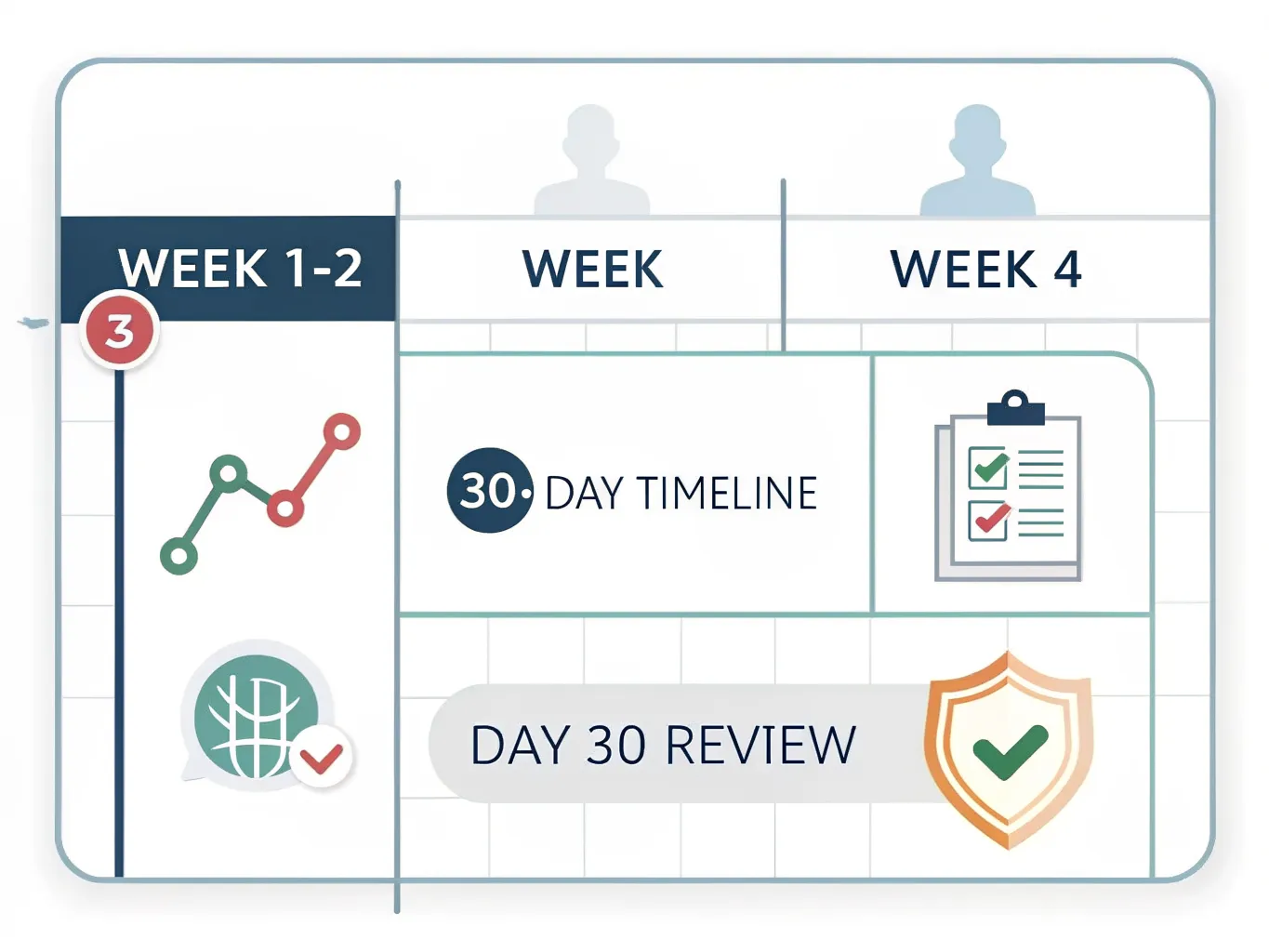
- Pick one frequent task and define a clear time-saving goal before you begin.
- Trial one tool with one user or a small team, then measure the results against the existing manual process.
- Set simple rules for prompts, checking work and anything that must never be published automatically.
- Write down the process so other employees can follow it in the same way.
- Scale up only once the first use case has shown it is dependable and worthwhile.
What to watch out for before you use AI at work
The first risk is inaccurate output. AI can sound confident while getting names, numbers or policy details wrong, so any customer-facing message, quote or report still needs a person to check it before it goes out. A short review step stops most issues before they reach a client.
The second risk is data handling. Employees should not enter confidential, personal or commercially sensitive information into any tool unless the business has approved it and understands where that data may be stored or reused. For South African businesses serving UK customers or working with UK partners, this becomes even more important where contracts and data-protection rules place clear limits on information use.
The third risk is relying on AI too heavily. AI training for small businesses should make clear that these tools support judgement; they don’t replace it. Employees should always know how to escalate complaints, legal issues and unusual customer cases. If a conversation becomes sensitive or complicated, a person needs to take over.
Clear rules matter more than clever features. IBM’s work on generative AI for early-stage firms, Google’s focus on practical productivity and the SBA’s business guidance all point in the same direction: use AI to cut down routine work, but keep responsibility with the people who actually understand the business. SBA
A useful test is simple: could a colleague who missed the original conversation repeat the task safely? If the answer is no, the task needs sharper prompts, a stronger review step or no AI at all. That line is especially useful for invoices, policy replies, complaints and anything that could end in a customer dispute.
A sensible decision rule
AI is usually worth trying on tasks that are repetitive, text-based and low risk. If the work is customer-critical, regulated or data-heavy, start smaller and keep a person firmly in charge. That way, the technology stays useful instead of becoming yet another admin job.
Frequently asked questions
What is AI for small business used for?
The quickest wins tend to come from drafting emails, taking meeting notes, tidying spreadsheets and creating first-draft marketing content. These are everyday tasks where AI can give staff a workable starting point, so they spend less time staring at a blank page and more time checking, improving and making decisions. The real test isn’t whether the draft is perfect. It’s whether it saves time without creating more clean-up later.
Which AI task saves the most time first?
Many useful AI features are already built into software that businesses use every day, such as Google Workspace or Microsoft 365. In many cases, that makes them the easiest place to start. There’s less setup, less training, and the rollout can stay inside one system rather than pushing employees to jump between several tools.
Do small businesses need expensive AI software?
It can be, as long as employees have clear rules on what they may enter, review and publish. Sensitive data needs particular care. Customer records, confidential information and commercially sensitive details should not be copied into any tool unless the business has approved it and understands how the data may be handled. A short policy is often enough to get started.
Is AI safe for business data?
Pick one repeated job, test one tool, measure the time saved and add a review step before rolling it out more widely. The best first use is usually a high-volume task where you can compare the AI output with manual work and write down the core rules for the rest of the team. If a proper test shows no time saving, don’t scale it.
How should a small business start using AI?
Start with one repeated task, try one tool, record the time saved and build in a review stage before expanding its use. A practical first rollout works best when you choose a high-volume job, compare the AI output with manual work, and write down the basic rules so the rest of the team can follow the same process.