
How to Find Legitimate Remote Jobs
Proper remote vacancies give you details you can check fast: a named employer, a clear job title, a real application route and location information that makes sense. If one of those pieces is missing, stop before you apply. For South African jobseekers, that quick check can save time and lower the risk of weak adverts or outright scams.
Key takeaways
- A legitimate remote job advert sets out the employer, the position, any location restrictions and a genuine way to apply.
- Use job boards that allow you to follow a posting back to the company or its official careers page.
- Check the employer’s website, email domain and recruiter profile before you share any personal information.
- Adapt your CV for the role and make it clear you can work on your own, without cramming the application with unnecessary detail.
- When a post leaves out the essentials or pressures you to act fast, regard it as unverified and look elsewhere.
What legitimate Remote Jobs look like
A proper remote job advert usually puts the essentials upfront: who is hiring, what the role is, what work you’ll be doing and where to send your application. On Remote Jobs, for example, you’ll see listings across design, development, marketing, finance, management and customer support, with the sort of role detail you should expect. Strong adverts read like real vacancies, not vague promises.
A good listing names the employer and sends you to an official careers page or a reputable platform. Amazon Jobs shows remote roles with clear company branding and an apply-now route, while Pearson Jobs lists titles such as Associate, Product Program Manager, Principal, Sales and Specialist, Psychometrician, along with workplace type. That level of detail is a good sign because it suggests the recruiter has defined the vacancy properly instead of posting a generic advert.
Location details matter just as much as the job title. Some Remote Jobs are fully remote, while others are hybrid or restricted to a specific country, region or even city, so you need to read the fine print. A role labelled remote may still name a set territory further down the advert. That doesn’t automatically make it a scam, but it does mean you should check whether you’re eligible.
Look closely at the wording too. Better adverts usually include a job summary, a short list of responsibilities and a link to the official careers page. Questionable posts often lean on pressure, big claims and missing basics, such as “earn from home” with no company name, no team, no contract type and no clear next step.
Where to search for trustworthy listings
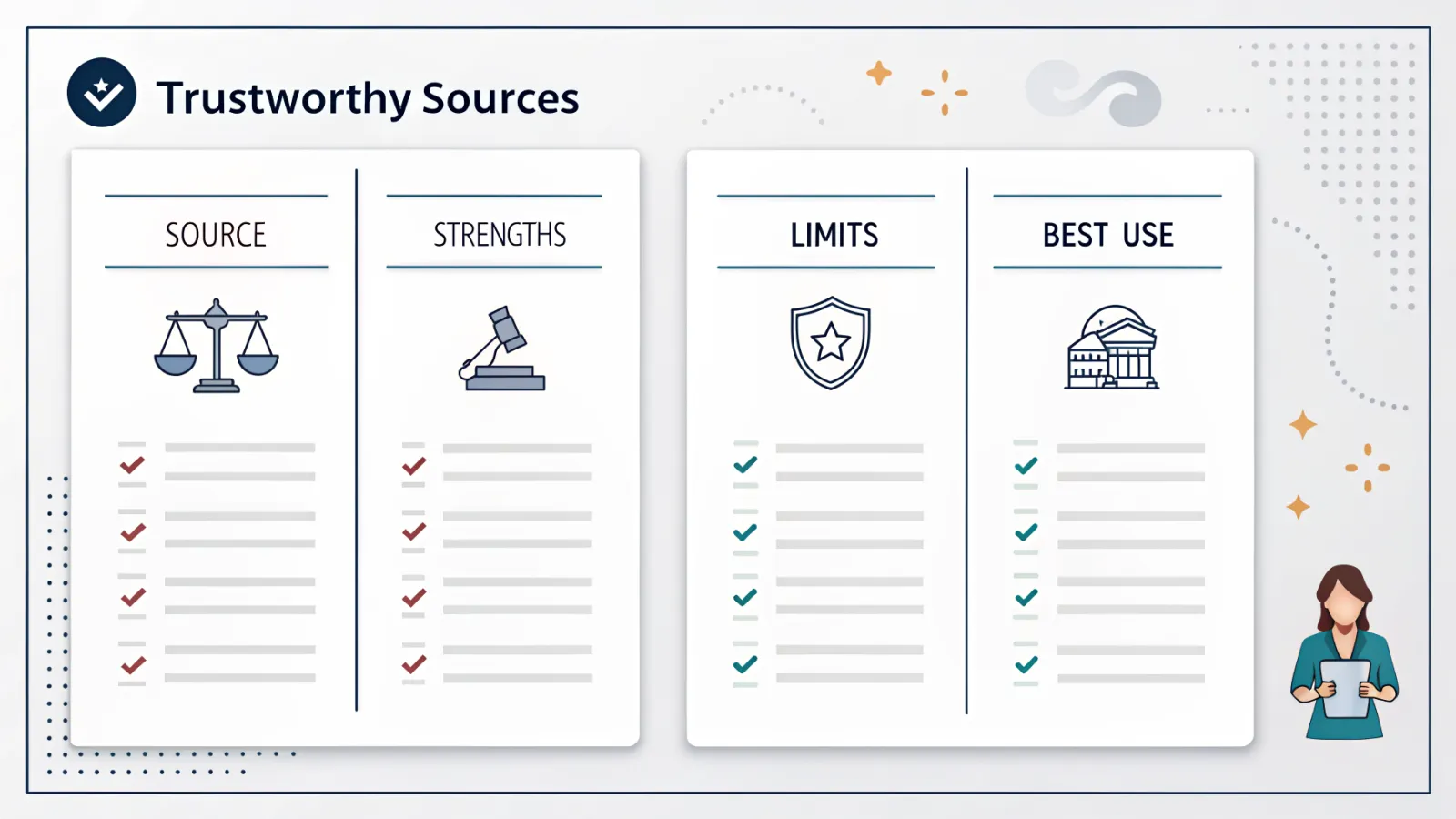
| Source | Strengths | Limits | Best use |
|---|---|---|---|
| Careers sections run by the employers themselves, including Amazon Jobs, Pearson Jobs and Capital One Careers | Employer information from the source, stronger context for the role and the official way to apply | Each employer has to be checked one by one | Start here if you already have a target company or industry in mind |
| Remote-focused job sites including Remote Jobs and Remote.com | Remote-only results, with simpler filtering to remove roles that are not genuinely remote | Listing and employer standards can differ widely | Use this option to create a quick shortlist of remote vacancies |
| Broad employment platforms such as LinkedIn Jobs | High listing numbers, visibility through your network, recruiter pages and simple keyword search | Certain adverts may be incomplete or posted again | Use this to compare companies and identify roles with active recruitment |
LinkedIn Jobs is useful because it shows listing volume, recruiter activity and whether a vacancy connects to a real company profile. Its remote search results can show many live roles, including the 16,000+ remote jobs shown in the Washington DC-Baltimore area search result, which gives a sense of how broad the market can be. Useful, yes, but you still need filters and judgement.
Remote.com is worth checking because it shows remote vacancies alongside extra profile tools, including AI interviews to boost your profile. That can help you understand how hiring is changing, but don’t hand over sensitive information until you’ve confirmed the employer. Capital One Careers is a useful comparison point too, with remote jobs, a job finder quiz and clear company navigation, which makes it more reliable than a reposted advert with no context.
Search using terms that match the job you actually want. “Remote”, “work from home” and a specific title such as support specialist, analyst or designer will usually beat general browsing because they bring back vacancies with clearer intent. Then check the location field, since many remote jobs are limited to certain countries or time zones.
A more reliable source will give you a direct application link, name the employer and include enough detail for you to check whether the vacancy is genuine. A weak repost often strips out the company name, department and location limits, leaving you with no solid basis for judging the role. If you can’t trace the advert back to the employer, treat it as unverified.
How to verify a remote employer before you apply
- Go to the company’s own website and careers page, then check that the vacancy is listed there and that the responsibilities match the advert.
- Review the business presence: the company name, domain, contact information and branding should be consistent on the website and the application form.
- Find the same vacancy on LinkedIn and assess whether the employer, recruiter profile and hiring history appear consistent.
- Search for the company name with “scam” or “reviews”, then weigh those results against the advert instead of believing the first result you see.
- Stop and reassess if you are asked for private messaging, banking details, identity documents or anything that seems premature for that point in the hiring process.
This check should take minutes, not hours, and it removes a lot of poor leads. A genuine employer should be able to explain the role, the team and the hiring steps clearly, without making you guess. If the advert names one company but the email domain, website and recruiter profile point in different directions, walk away.
How to apply without getting filtered out
- Adapt your CV for the vacancy by using keywords from the job description only when they genuinely match your experience.
- Include proof that you can manage your own workload, communicate well and use remote collaboration tools, as hiring teams want candidates who can work without constant oversight.
- Make the application easy to read: for most roles, a straightforward subject line, brief cover note and correct contact details are sufficient.
- Get ready for screening questions and online interviews, including AI interviews where the employer relies on automated pre-screening.
- Make sure your CV, LinkedIn profile and company application form line up, so dates, job titles and skills do not contradict one another.
In remote recruitment, hiring teams often scan quickly for signs that you can stay organised without close supervision. Your CV needs to show deadlines met, teamwork across different channels and confidence with video calls, shared documents and ticketing tools. If the job asks for a specific qualification or industry background, put that near the top of the page.
Online interviews can be arranged at short notice, especially on platforms that use automation to screen applicants. Treat an AI interview like any other screening stage: use a quiet room, test your camera, make sure your connection is stable and answer clearly. If the employer pushes you to leave the platform immediately, take that as a warning sign.
Common remote job scams and red flags
- Upfront charges or demands for payment, as genuine employers do not make candidates pay to apply.
- Claims of immediate hiring, which are common in weak or fraudulent job adverts.
- Private messaging at an early stage, particularly when the recruiter will not communicate through a company email address.
- Bad grammar, duplicated job copy, web domains that do not match or salary claims that look well above the market without a clear reason.
- Demands for personal information, bank details or identity documents before a verified recruitment step has been clearly explained.
A scam advert usually runs on urgency and uncertainty. The wording pushes you to respond immediately, while the details stay too vague to check properly. Genuine recruitment can move fast, but it normally has a clear process.
If a listing feels off, compare it with a recognised employer such as Amazon Jobs, Pearson Jobs or Capital One Careers. Those company channels make the format obvious: role title, workplace type, application route and branded page. Once you see that structure, it’s easier to spot what the questionable advert has left out.
A simple weekly search routine for South African jobseekers
- Block out a set time each week to check company career pages, Remote Jobs, Remote.com and LinkedIn Jobs rather than looking at random every day.
- Record every application in a spreadsheet, including the role, date, source, employer, follow-up date and current status.
- Look back at replies and interview invitations to identify which kinds of remote roles are genuinely progressing.
- Refine your search terms and filters according to the jobs that fit your experience, location and availability.
- Cut weak adverts early, leaving more of your time for verified employers and less of it wasted on dead ends.
A basic tracker helps you avoid duplicate applications, missed follow-ups and mix-ups between employers with similar names. Over time, it can show patterns as well: one type of role may keep getting replies while another goes nowhere. That is real market feedback, not guesswork.
For South African jobseekers, success doesn’t come from chasing every remote advert. The aim is to build a repeatable routine that favours verified employers, clear application routes and roles you can genuinely do well. That gives you a better chance of interviews and cuts out a lot of noise.
Frequently asked questions
How can I tell if a Remote Jobs listing is legitimate?
A genuine job listing will usually name the employer, spell out what the role involves and send you to an official careers page or a reputable platform. If you’re applying from South Africa, check the location line carefully too. Some remote jobs are only open to people in certain countries, regions or time zones. If those basics are missing, treat the advert as unverified.
Which sites are safest for remote job searches?
Start with official company careers pages, then widen your search to established sites such as LinkedIn Jobs, Remote.com, Amazon Jobs and Pearson Jobs. These sources are generally safer because they tend to show a named employer, a real vacancy and a clear application route. Still, don’t hand over personal details until you’ve checked the role on the company’s own site.
Do remote jobs ever require location restrictions?
Yes. Some remote jobs are fully remote, but plenty are restricted to a specific country, region, city or time zone. The article also notes that a job can be advertised as remote while still being tied to a fixed territory. So, before you apply, read the location field properly every time.
What is the biggest red flag in a remote job advert?
A request for upfront payment is a major warning sign, especially if the advert also asks for personal data that has nothing to do with normal recruitment. Be wary of vague posts too. If there’s no company name, job title or clear way to apply, the risk is higher. A legitimate employer should not ask you to pay before considering you for a role.
Should I apply through job boards or company websites?
Use both, but put more weight on company websites when you’re checking whether a vacancy is real. Job boards are useful for finding opportunities, while official careers pages are better for confirming that the role exists and the details match. If you can’t trace the advert back to the employer, hold off applying.